
Seedream 4.0 (Seedream 4) — Free Online Image Generator & Editor
Use Seedream 4.0 to generate images from text, edit photos, and run image‑to‑image workflows directly in your browser. Start a free trial and create results in minutes—no download needed.
🎁 Start your Seedream 4 free trial and explore image generation + editing.
from 504,539+ happy users
Turn Your Ideas into Stunning Images with Seedream 4.5
Experience the next generation of AI image creation with Seedream 4.0. Generate stunning, high-quality images from text prompts using advanced AI technology. Create, edit, and bring your visual ideas to life instantly online.
Image Edit
Output Image Settings
Output Gallery
Your ultra-fast AI creations appear here instantly (0)
Ready for instant generation
Enter your prompt and unleash the power
Seedream 4 Free Online Examples (Seedream 4.0 Gallery)
Explore Seedream 4.0 examples for text-to-image and image editing. See what you can generate, then try Seedream 4 free online on this page.

Anime Style Image Generator
Create anime-style characters and fantasy scenes from simple prompts.

Brand Design Generator
Generate clean, modern brand visuals such as packaging, hats, lanyards, and cards.

Advertising Image Generator
Generate ad creatives in a consistent style for campaigns and social posts.

Multi-Image Fusion Generator
Combine multiple references to create a single cohesive visual for ads and campaigns.

Comic Strip Generator
Create multi-panel stories with consistent characters and scenes.

Object & Person Remover
Remove unwanted objects or people and keep the image natural-looking.

Text Replacement in Images
Replace text in images while keeping the layout and style consistent.

Restore & Colorize Photos
Restore old photos and colorize black-and-white images in seconds.

Transform Your Photos into Art
Transform photos into illustration, watercolor, anime, or geometric styles.
Where to Use Seedream 4 Free Online
Digital Art & Illustration

Product Design & Marketing

Film & Entertainment

Game Development

Fashion & Interior Design
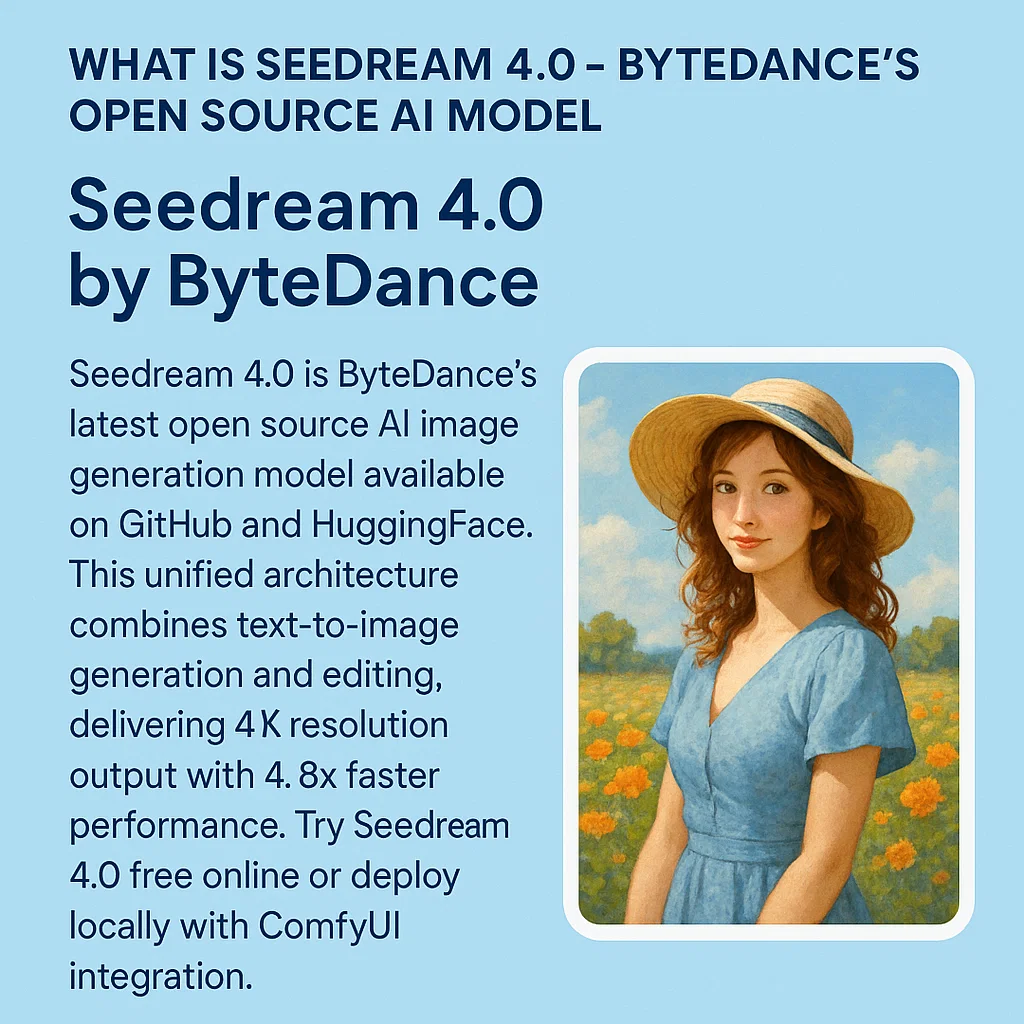
What is Seedream 4.0 (Seedream 4)?
Seedream 4.0 (also searched as “Seedream 4” or “seedream-4”) is an AI image generator and editor that supports both text-to-image and image-to-image workflows. On this page, you can try Seedream 4 free online and use prompts to generate or edit images in your browser.
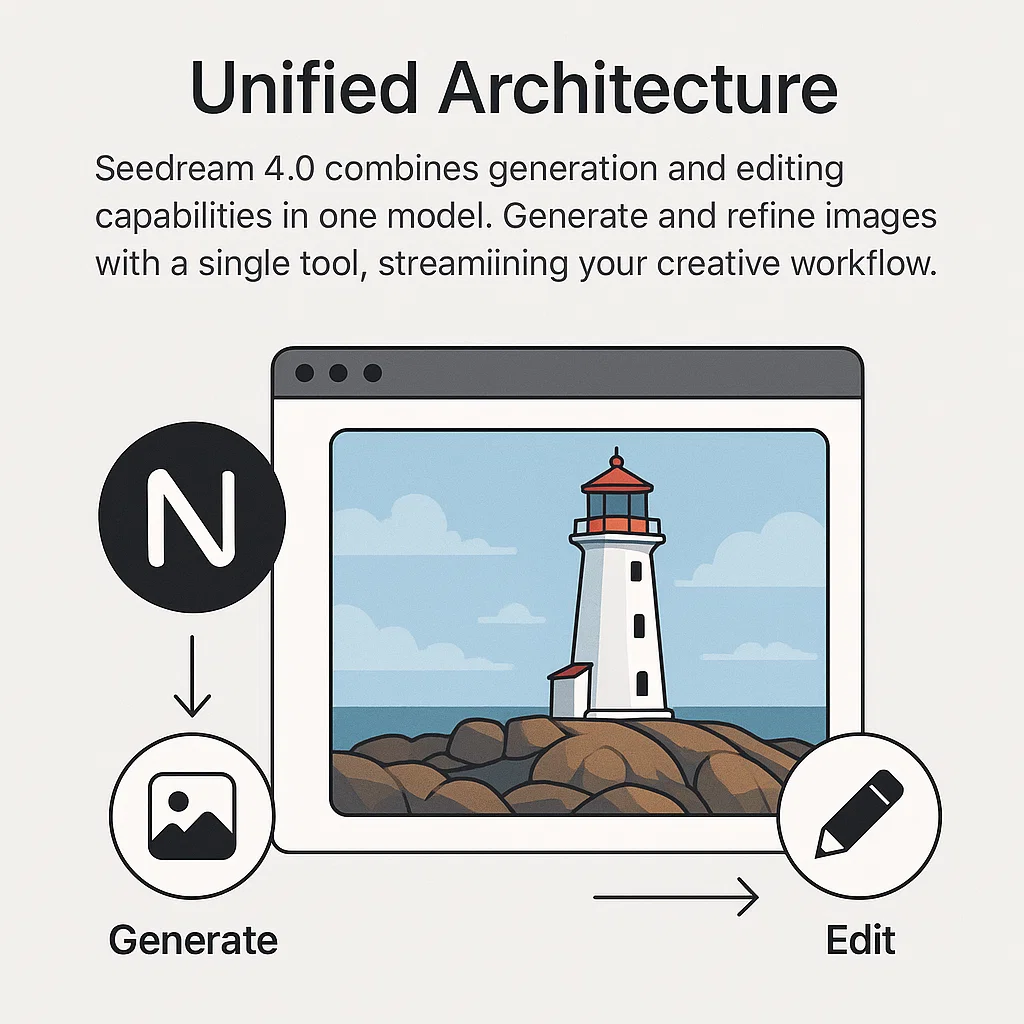
- Text-to-Image + EditingGenerate images from prompts and refine results with prompt-based edits in one workflow.
- Image-to-Image WorkflowUpload an image and transform it with prompts for style changes, background edits, and more.
- Fast IterationCreate, tweak, and regenerate quickly so you can iterate until you get the look you want.
Why Choose Seedream 4 (vs Nano Banana)?
If you're comparing Seedream 4 with Nano Banana, the key is workflow fit: Seedream 4 focuses on prompt-driven generation plus image editing so you can create and refine in one place. Try Seedream 4 free online and see what works best for your use case.
How to Use Seedream 4 Free Online (Step-by-Step)
A simple guide to using Seedream 4.0 (Seedream 4) online for image generation and editing.
Seedream 4 Features
Key Seedream 4.0 (Seedream 4) features for online image generation and photo editing.
Text-to-Image Generation
Generate new images from prompts for concepts, characters, products, and scenes.
Image Editing with Prompts
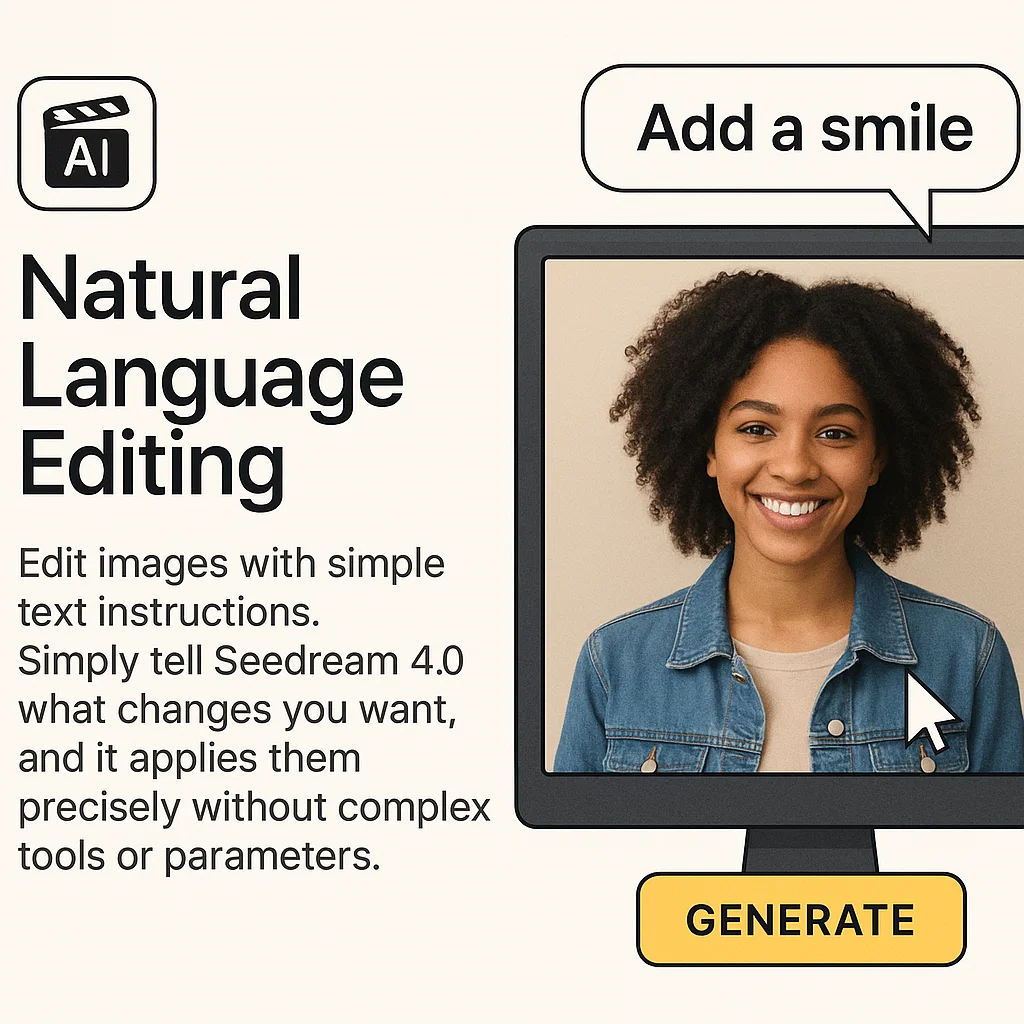
Edit images using natural language instructions (background, objects, colors, style).
Image-to-Image Transformations
Upload an image and transform it with prompts for consistent style and composition.
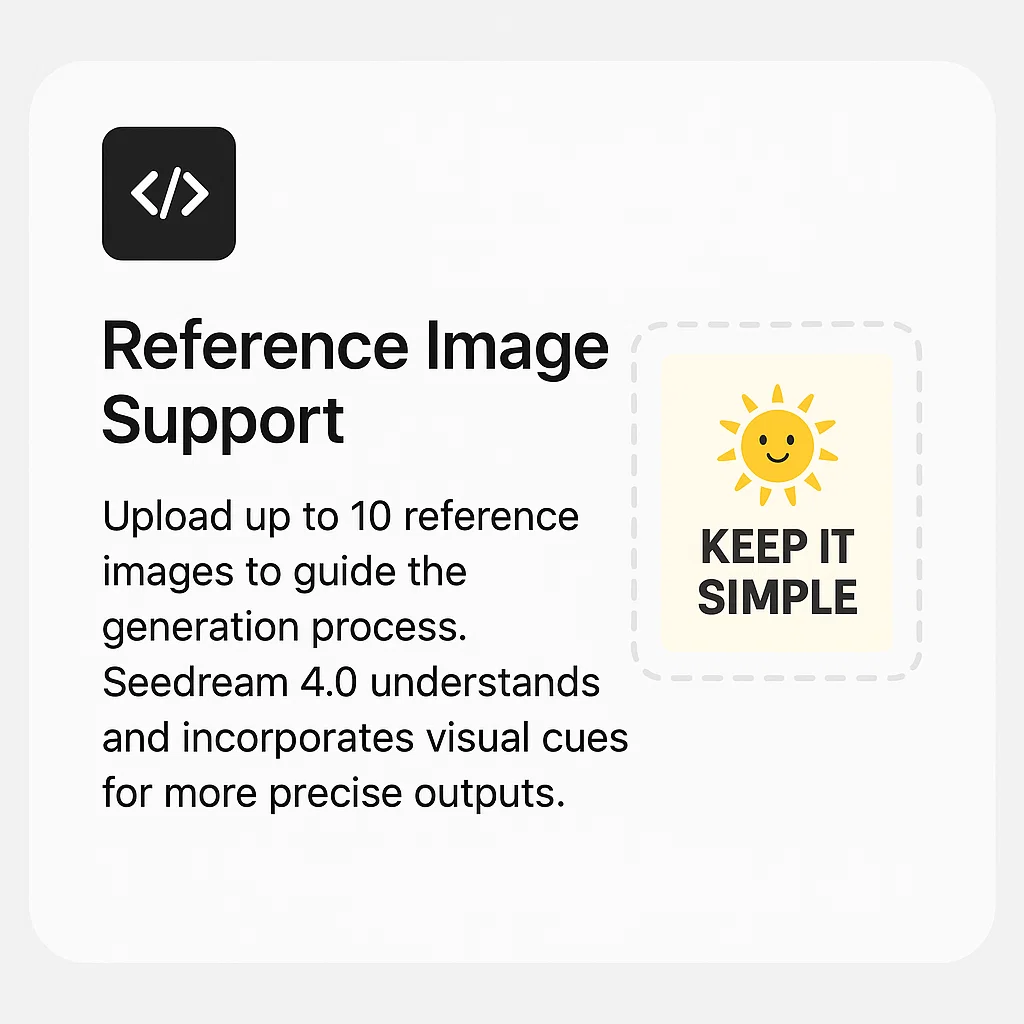
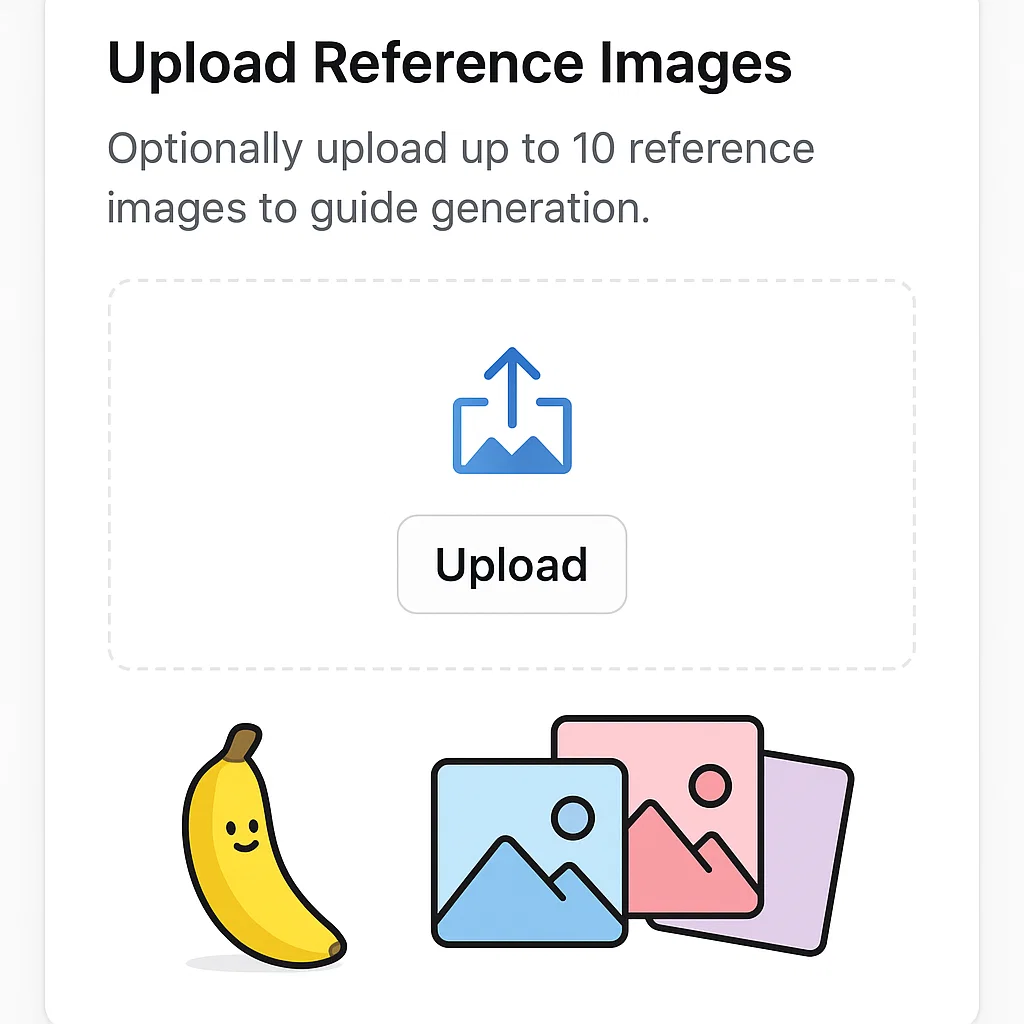
Reference Image Guidance
Use reference images to guide the output and get more predictable results.
Multiple Styles
Explore different aesthetics (anime, illustration, product, cinematic) with prompt changes.
Character Consistency
Create series-style visuals with consistent characters and scenes through controlled prompting.
Seedream 4.0 (Seedream 4) Highlights
A quick overview of what Seedream 4 is good at: online image generation, prompt-based editing, and reference-guided workflows.
Workflow
Text + Image
Generate and edit
Editing
Prompt
Natural language edits
Guidance
References
More control
What Creators Say About Seedream 4
Feedback from creators using Seedream 4 for generation and editing workflows.
Sarah Chen
Digital Artist
Seedream 4 helps me move faster from concept to finished visuals, especially when I need quick iterations.
Mike Rodriguez
Creative Director
We use Seedream 4 to generate campaign visuals and refine them quickly with prompt-based edits.
Emma Thompson
UI/UX Designer
It’s useful for generating assets and exploring variations without switching between multiple tools.
James Wilson
Content Creator
The editing flow is straightforward—generate, adjust with prompts, and repeat until it matches the idea.
Lisa Park
Marketing Manager
We create product and promo visuals quickly and keep style consistent across different formats.
David Kim
Startup Founder
Seedream 4 helps our team produce marketing visuals faster with fewer design tools in the loop.
Seedream 4 FAQ: Free Online, Prompts, Editing & Pricing
Common questions about Seedream 4.0 (Seedream 4): free online access, image generation, photo editing, prompts, limits, and pricing.
Is Seedream 4 free to use online?
A free trial is available so you can try Seedream 4 online before upgrading. Trial limits and availability can change—please check the pricing page for the latest details.
Do I need to download anything?
No. You can use Seedream 4 directly in your browser for both image generation and editing.
What can I edit with Seedream 4?
You can edit backgrounds, add or remove objects, adjust colors and lighting, and apply style transformations using prompts.
How do prompts work for editing?
Describe the change you want (for example, “change the background to a beach at sunset” or “make the jacket red”). The model applies edits while trying to preserve key details.
Can I do image-to-image with Seedream 4?
Yes. Upload an image and use prompts to transform style, composition, or specific elements.
What image formats are supported?
Common formats like PNG and JPEG are typically supported for inputs and outputs. If you run into an edge case, try PNG for best compatibility.
Who is Seedream 4 best for?
It's a good fit for creators, designers, marketers, and e-commerce sellers who want fast image generation and prompt-based editing in one workflow.
Where can I see pricing and limits?
You can view the latest pricing and any free-trial limits on the pricing page.
Try Seedream 4 Free Online
Generate images and edit photos with Seedream 4.0 (Seedream 4) directly in your browser. Start with a free trial and upgrade when you're ready.