
AI Photo Enhancer for Clearer, Better Photos Online
AI Photo Enhancer helps you fix faded photos, improve blurry images, recover washed-out detail, and enhance photo quality online without downloading an app. Use AI Photo Enhancer in your browser for a simpler way to get cleaner, sharper results.
Improve faded, blurry, and low-quality photos in your browser.
from 504,539+ happy users
Enhance Your Photo Online
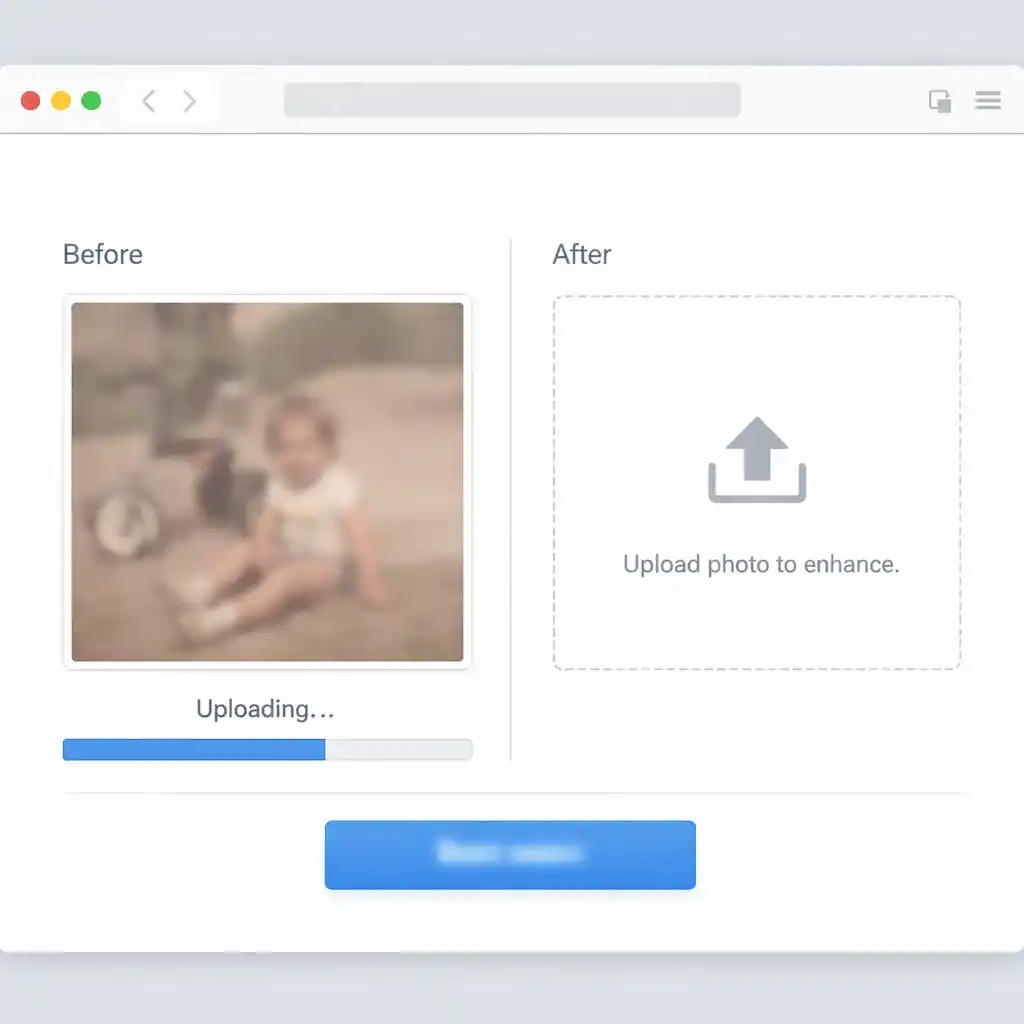
Upload a photo, describe the improvement you want, and use this AI Photo Enhancer to restore old photos, sharpen soft images, and improve image quality online. This AI Photo Enhancer is built for quick browser-based enhancement.
Prompt Engine
Image Dimensions
Output Gallery
Your enhanced photos appear here instantly (0)
Ready to enhance your photo
Upload an image and describe how you want to improve it
AI Photo Enhancer Before and After Examples
See how this AI Photo Enhancer helps recover washed-out family photos, faded black-and-white pictures, low-quality scans, and blurry portraits with clearer detail, better contrast, and more natural color. Each AI Photo Enhancer example shows a practical restoration use case.
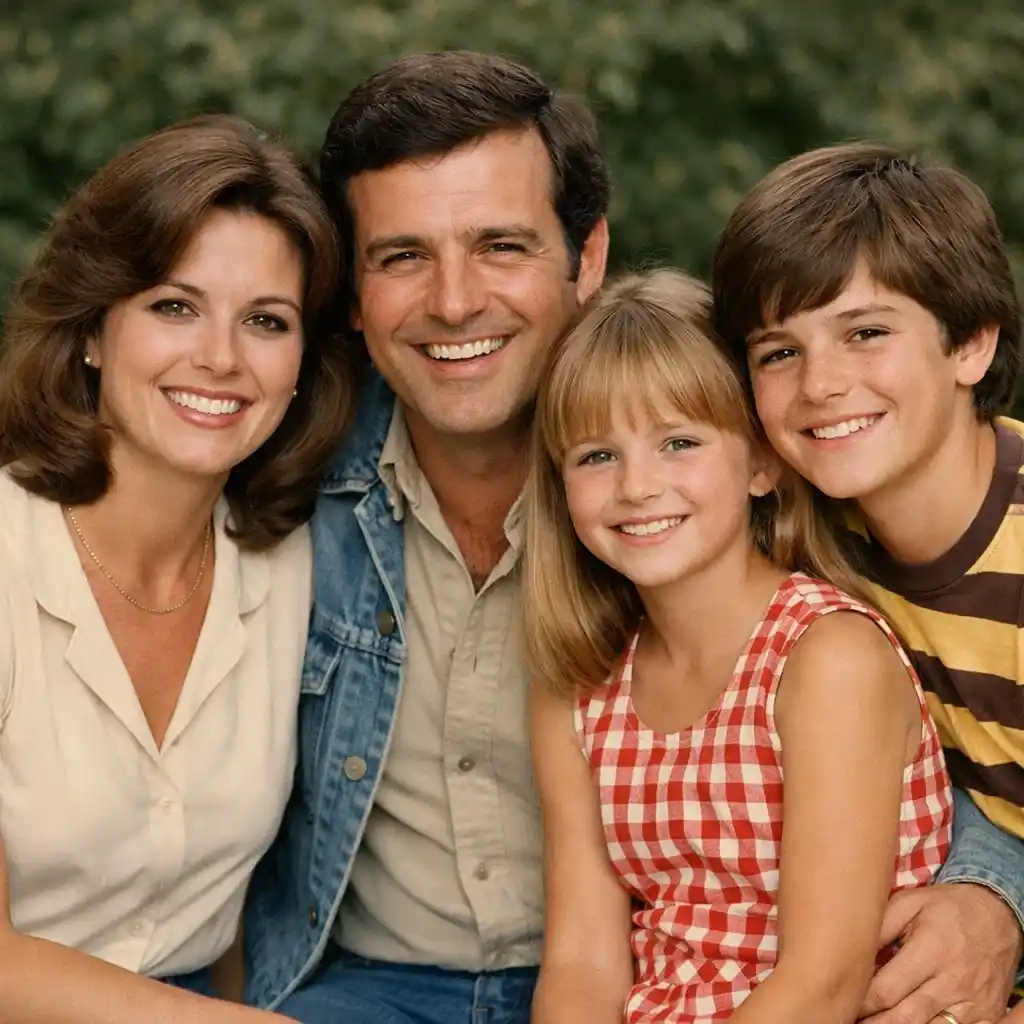
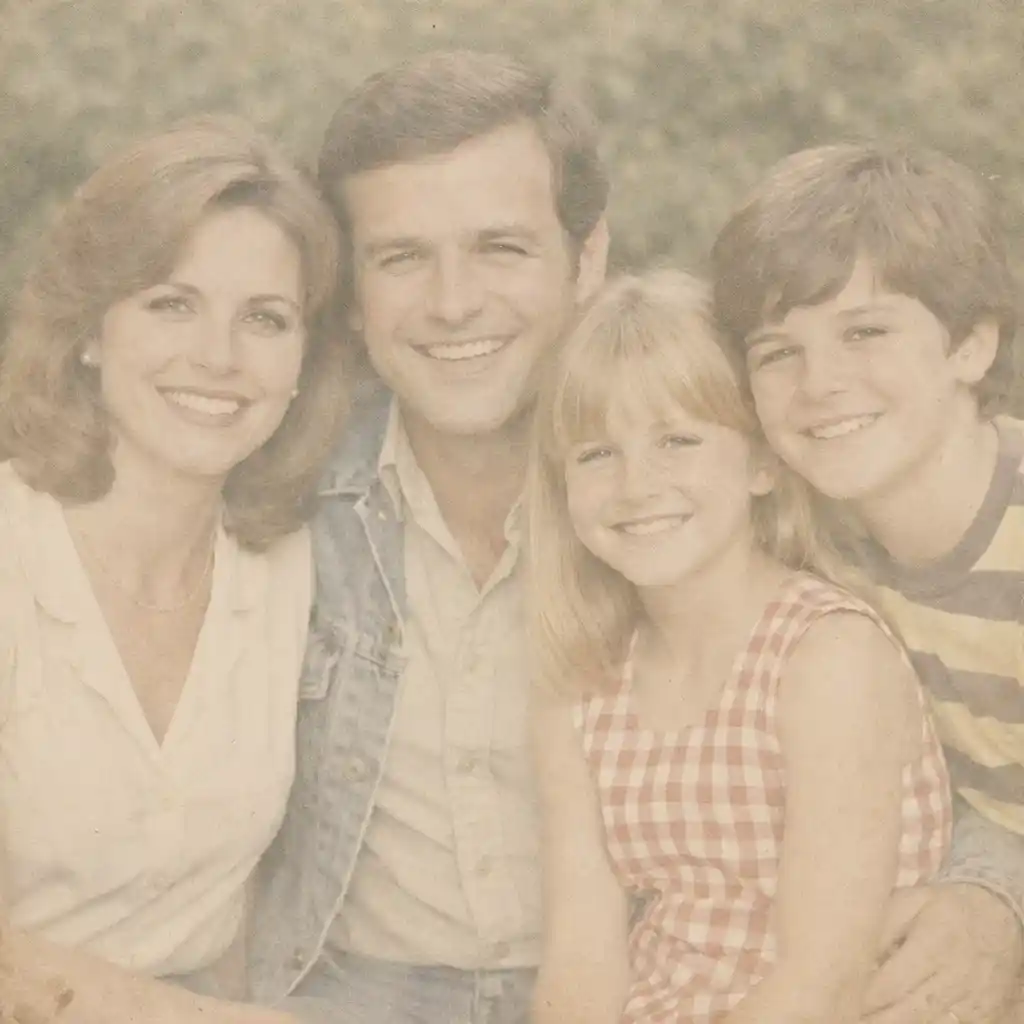
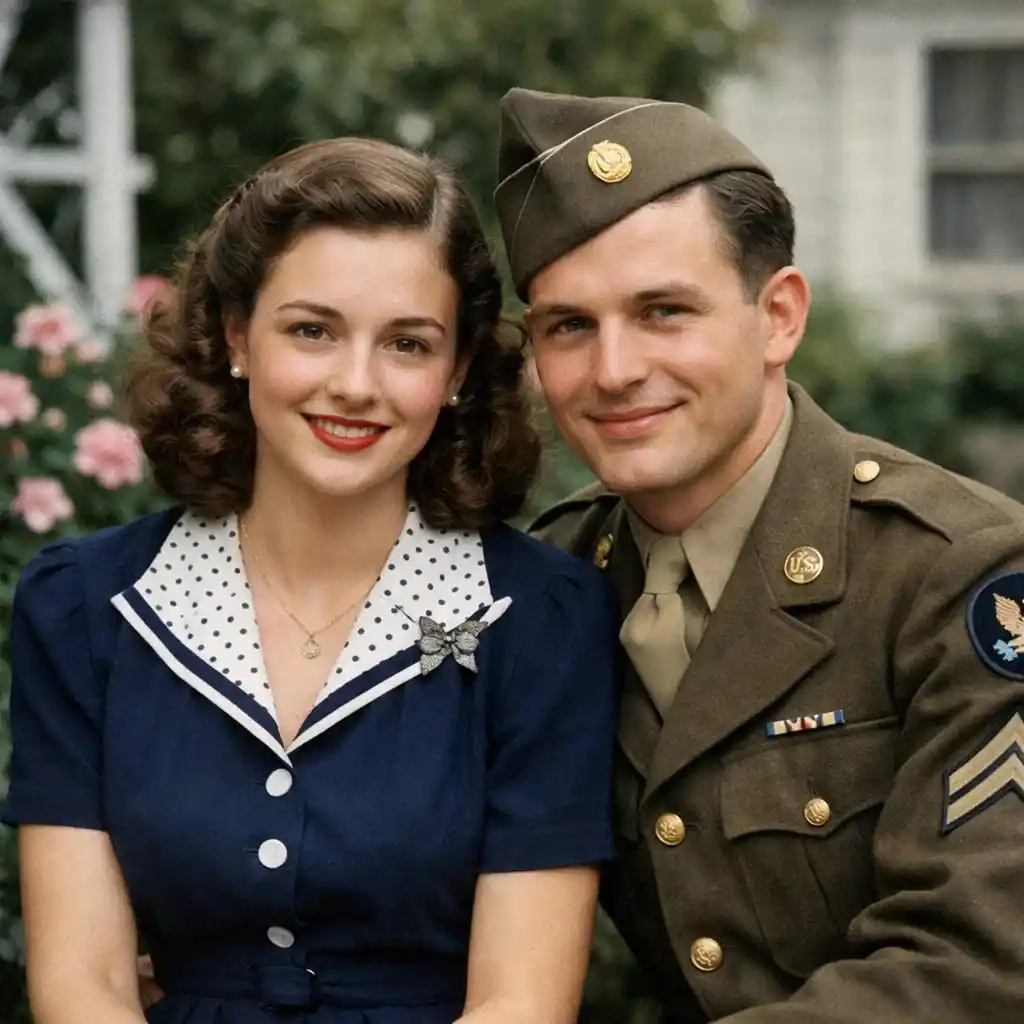
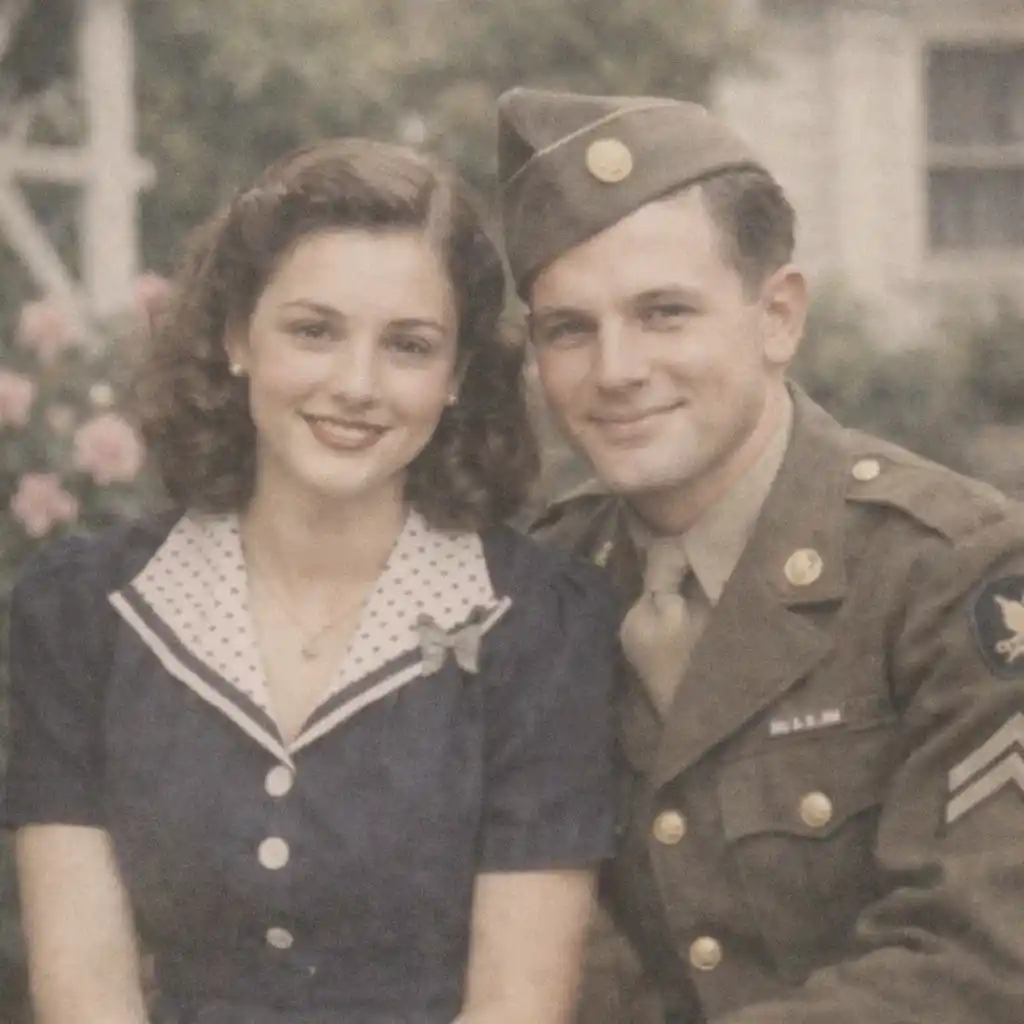
Recover Washed-Out Family Photos
Use AI photo enhancement to bring back contrast, cleaner skin tones, and more visible detail in faded family pictures.
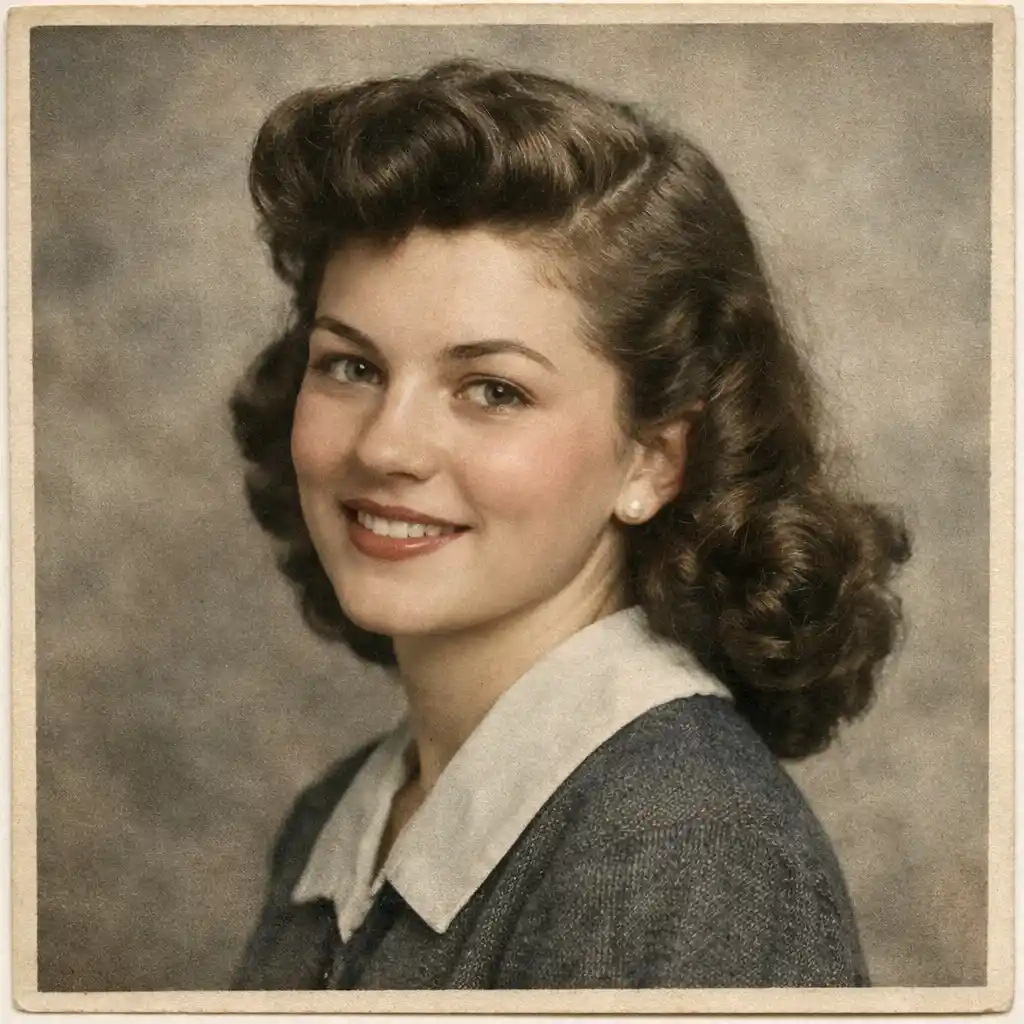
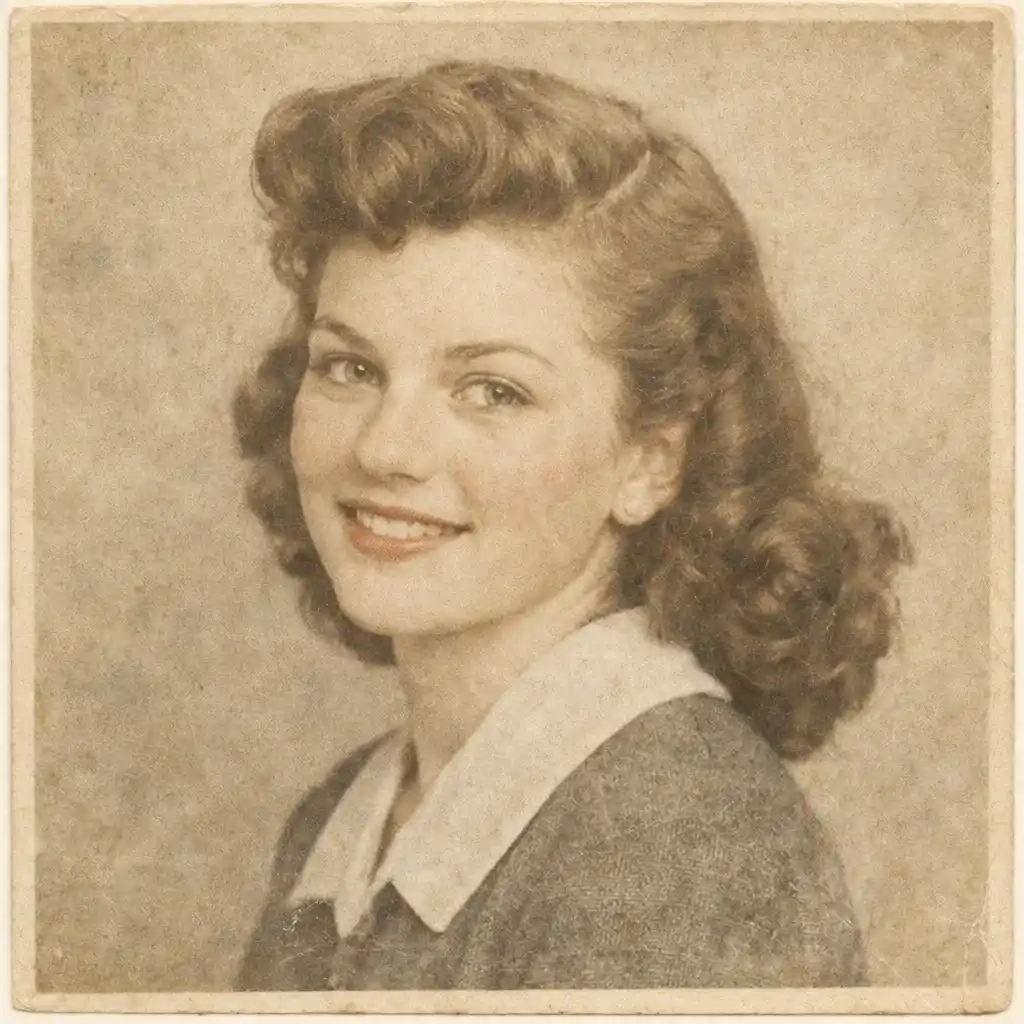
Improve Faded Old Prints Without Heavy Recoloring
Enhance old photo scans by improving clarity, contrast, and texture while keeping a natural vintage look.
Fix Low-Quality Scanned Photos
Use an AI photo quality enhancer to sharpen soft details, improve readability, and restore more realistic contrast in scanned images.


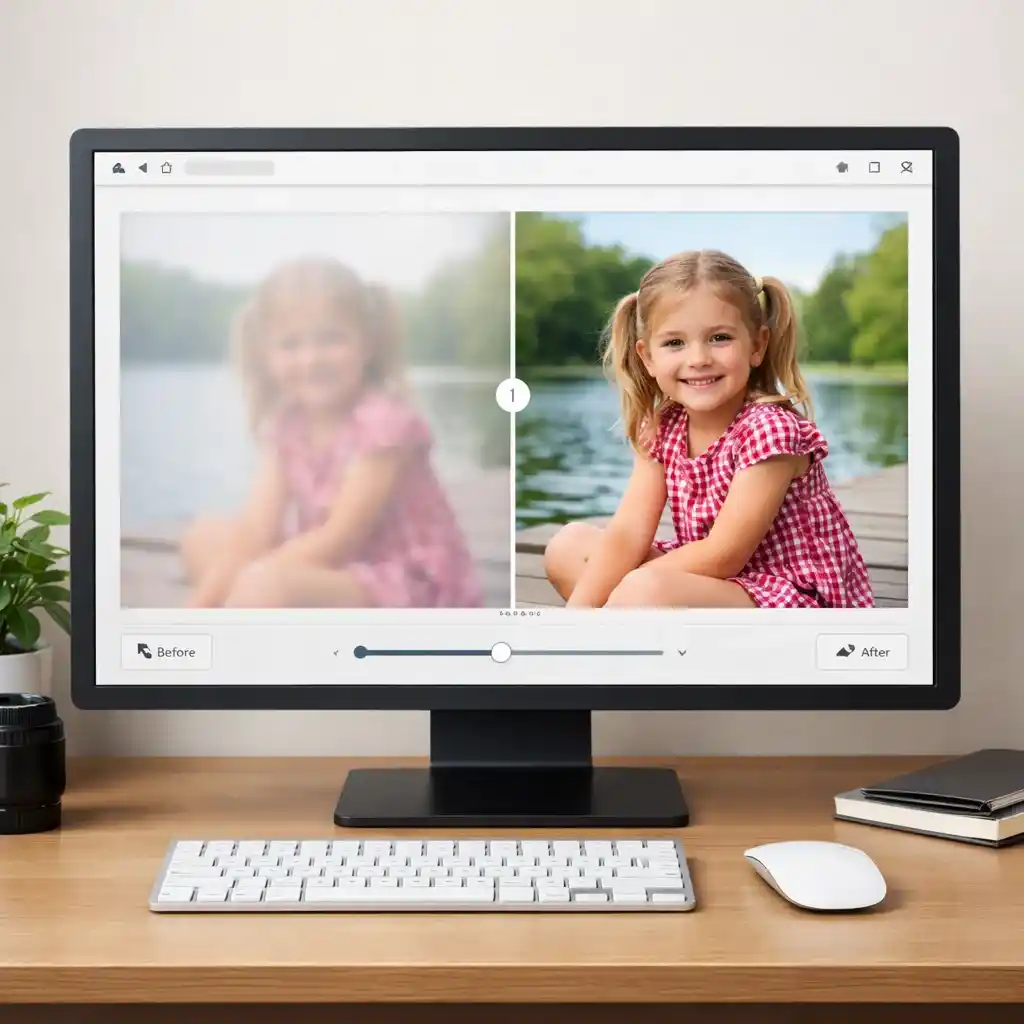
Sharpen Soft Portrait Details
Use AI photo enhancement to improve blurry portrait photos with cleaner edges, clearer features, and more balanced contrast.
What Is an AI Photo Enhancer?
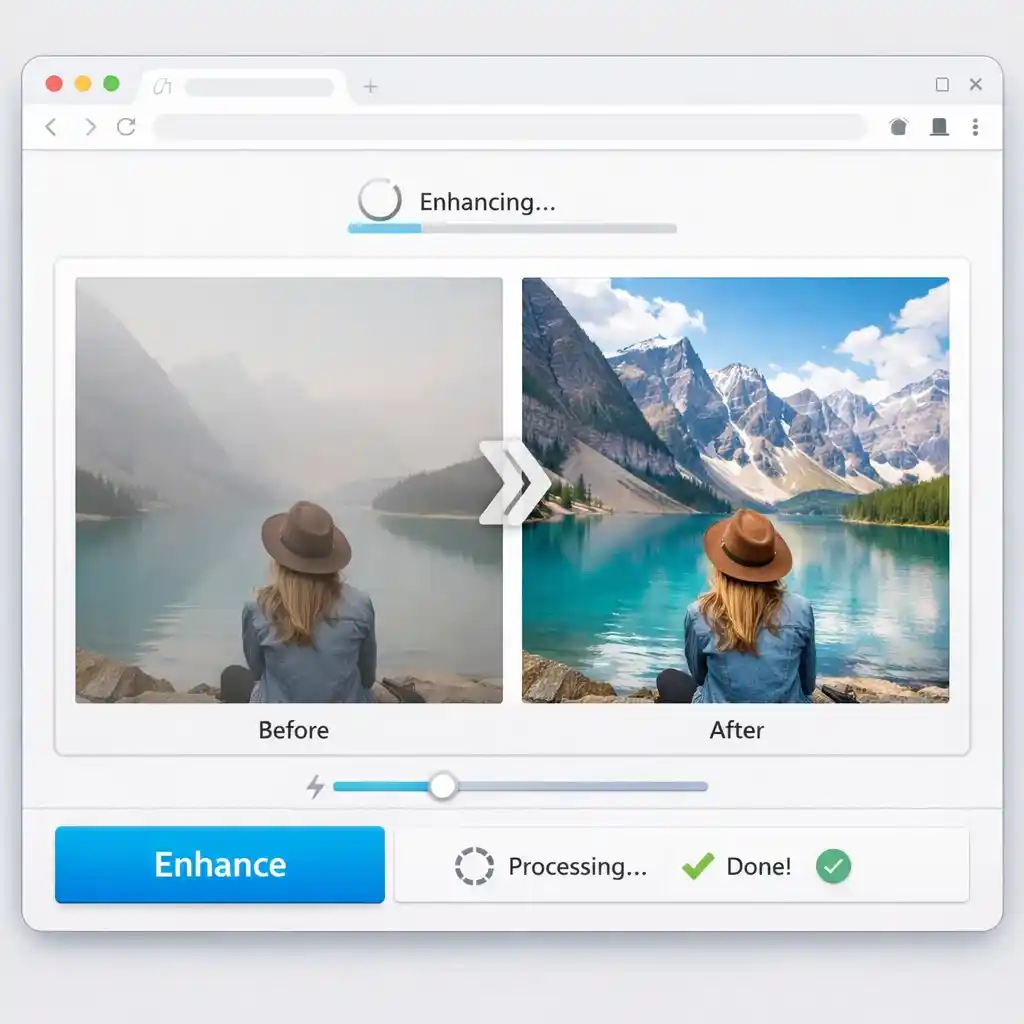
An AI Photo Enhancer helps improve blurry, faded, low-resolution, or low-contrast images with prompt-based photo enhancement. This AI Photo Enhancer page focuses on restoring photo quality online while keeping your workflow simple.
- Enhance Photo Quality OnlineImprove detail, contrast, and overall image clarity without downloading a desktop app.
- Fix Blurry or Faded ImagesUse prompts to sharpen soft details, recover washed-out areas, and improve old or damaged photos.
- Restore Photos in MinutesStart with one photo, test different enhancements, and download the version that looks best.
Why Use This AI Photo Enhancer
This AI Photo Enhancer is designed for people who want to improve photo quality, recover old photos, and make low-resolution images look clearer without a complicated editing workflow. Use this AI Photo Enhancer when you want a faster online workflow.
- Built for Faded and Old PhotosUse it to restore faded prints, low-contrast scans, and family photos that need more visible detail.
- Natural Contrast RecoveryImprove contrast and clarity while keeping faces, textures, and original photo character believable.
- No App Download NeededRun your photo enhancement workflow online and move from upload to result in one browser session.
How to Enhance Photos with AI Online
A quick step-by-step workflow for using this AI Photo Enhancer online and getting more from an AI Photo Enhancer workflow.
AI Photo Enhancer FAQs
Common questions about using an AI Photo Enhancer online for blurry, faded, and low-quality images, plus how this AI Photo Enhancer fits different restoration needs.
Is this AI Photo Enhancer free to use?
You can start with a free trial to test the workflow. If you need more credits or more output, you can upgrade later.
Can I use it to restore faded old photos?
Yes. This page is designed for restoring faded photos, improving contrast, and recovering more visible detail from old prints and scans.
Can an AI Photo Enhancer fix blurry photos?
It can help improve soft details, overall sharpness, and photo clarity, especially when the source image is faded or low quality.
Can it improve photo quality and resolution?
Yes. You can use it as an AI photo quality enhancer to improve clarity, recover detail, and make low-resolution photos look more usable.
Do I need to download an app?
No. You can use the AI Photo Enhancer directly in your browser.
How is this different from an AI image editor?
This page is focused on the AI Photo Enhancer use case: improving photo quality, restoring faded images, and enhancing old or blurry photos online.