Advanced AI Image Editor Online with Prompt-Based Editing
Our AI Image Editor is a powerful online tool that lets you edit, enhance, and transform images using natural language prompts. Remove objects, change backgrounds, improve image quality, and generate image-to-image edits in seconds. Start your free trial and experience professional AI photo editing built for creators, marketers, and businesses.
🎁 Start your AI Image Editor free trial now
from 504,539+ happy users
AI Image Editor – Free Trial Online
Edit photos and generate images online with AI Image Editor. Try a free trial in your browser—create prompt-based image-to-image edits instantly.
Prompt Engine
Image Dimensions
Output Gallery
Your ultra-fast AI creations appear here instantly (0)
Ready for instant generation
Enter your prompt and unleash the power
AI Image Editor Examples (Prompt Editing, Image-to-Image & Pro Results)
Explore real AI Image Editor results including prompt-based edits, object removal, background replacement, photo enhancement, and high-quality image-to-image transformations. Professional results with an online AI image editor.

Turn photo into character figure
Upload a portrait and transform it into a character figure withAI Image Editor AI—great for creators, avatars, and story ideas.

AI Sketch to Art (No Skills Needed)
Convert a rough sketch into clean, colored artwork with AI Image Editor image editing—fast, online, and prompt-driven.

Age Progression (Before/After)
Generate side-by-side younger/older versions with AI Image Editor AI—ideal for creative comparisons and character concepts.

AI Passport / ID Photo Generator
Upload one photo and generate multiple ID-photo variations for different looks—use AI Image Editor online in seconds.

AI E-commerce Product Scenes
Create product scenes with backgrounds, props, and models—AI Image Editor AI helps generate clean, high-converting visuals.

AI Home Decor Preview
Preview interior styles by mixing furniture, fabrics, and decor—AI Image Editor image-to-image makes iterations easy.

AI Virtual Try-On Editor
Try outfits on a model with realistic textures and folds—generate variations quickly with AI Image Editor AI.

AI Photo Restoration & Enhancement
Restore old photos, remove scratches, enhance clarity, and colorize black-and-white images using our advanced AI Image Editor online.

AI Manga Creator
Generate manga-style panels and consistent characters with AI Image Editor. Use prompts to create detailed comic scenes without skills.
Where Can You Use AI Image Editor for Image Editing & Generation?
Social Media Content Creation
E-commerce & Product Image Optimization
Marketing & Advertising Creatives
Business Presentations & Visual Assets
Personal Art, Design & Creativity
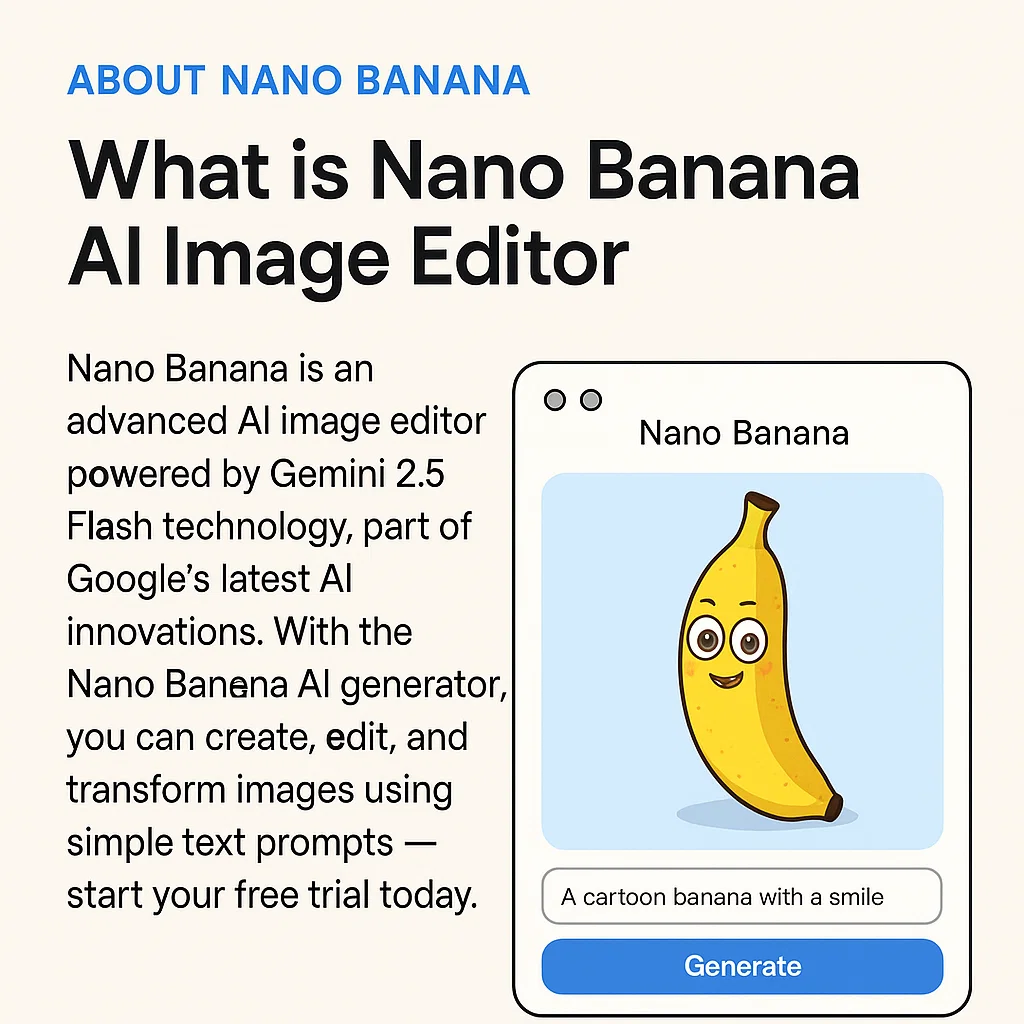
What Is an AI Image Editor? (Online AI Photo Editor & Prompt-Based Tool)
AI Image Editor is an advanced online AI photo editor that lets you edit images with prompts, perform image-to-image transformations, remove objects, change backgrounds, and enhance quality in seconds. Start with a free trial directly in your browser and upgrade to AI Image Editor Pro for higher limits, batch processing, and advanced editing features.
- Free Trial Online (No Complicated Setup)Try AI Image Editor online with instant access. Test prompt-based image editing, object removal, and photo enhancement before upgrading to Pro.
- Prompt-Based AI Image EditingEdit photos using simple text prompts: remove objects, replace backgrounds, restyle images, improve quality, and create controlled image-to-image variations.
- Fast Results + Pro FeaturesGenerate and refine high-quality AI edits in seconds. Upgrade to AI Image Editor Pro for more credits, higher usage limits, and professional workflows.
Why Choose Our AI Image Editor Online
Our AI Image Editor combines powerful prompt-based image editing, AI image generation, and fast online processing. Start with a free trial and unlock advanced tools designed for creators, marketers, and e-commerce brands.
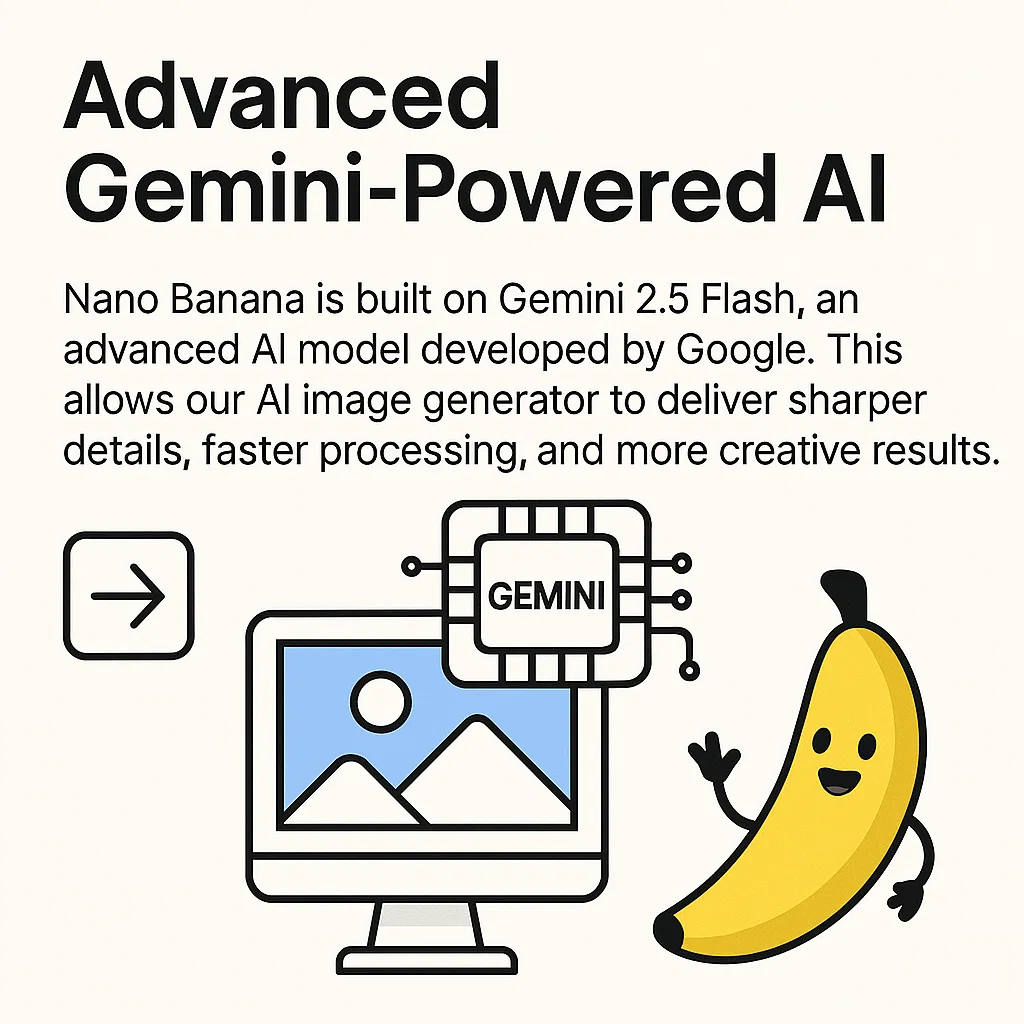
How to Use AI Image Editor Online (Prompt & Image-to-Image Editing)
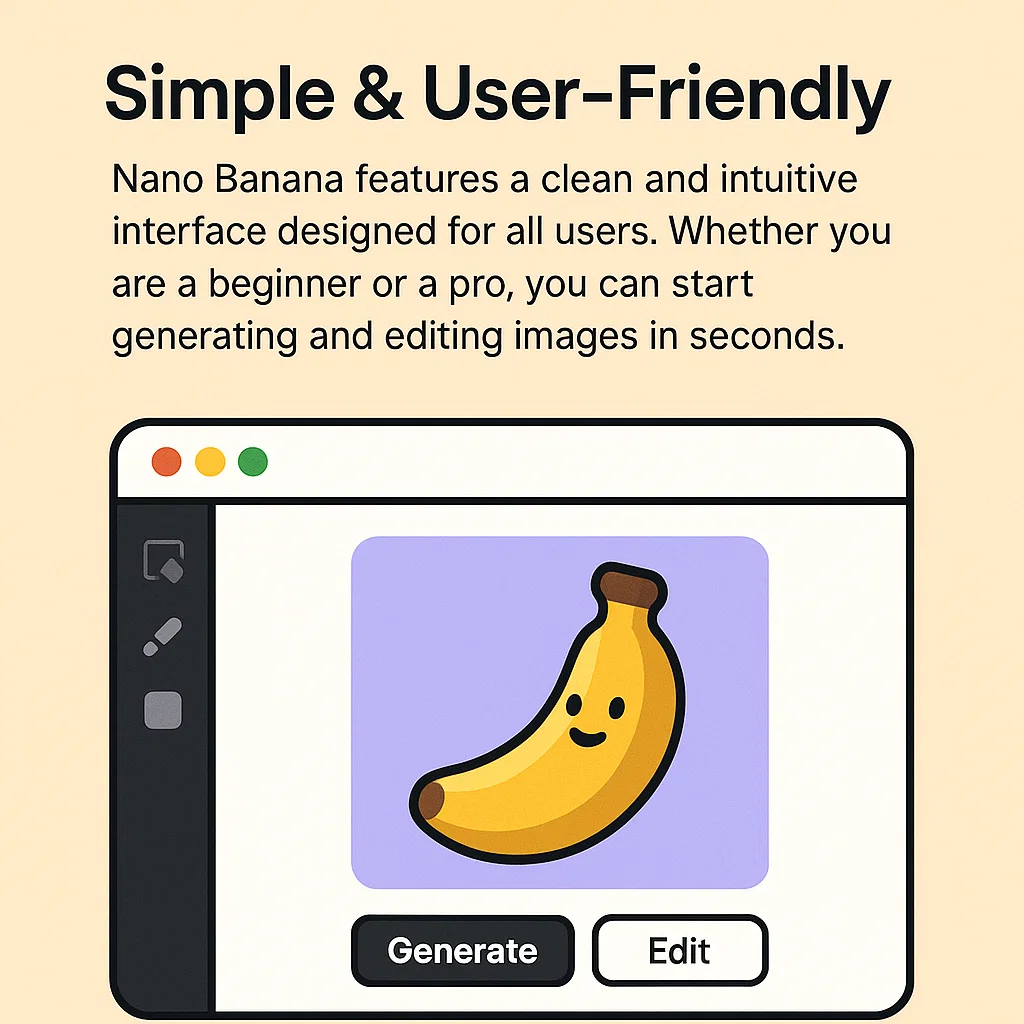
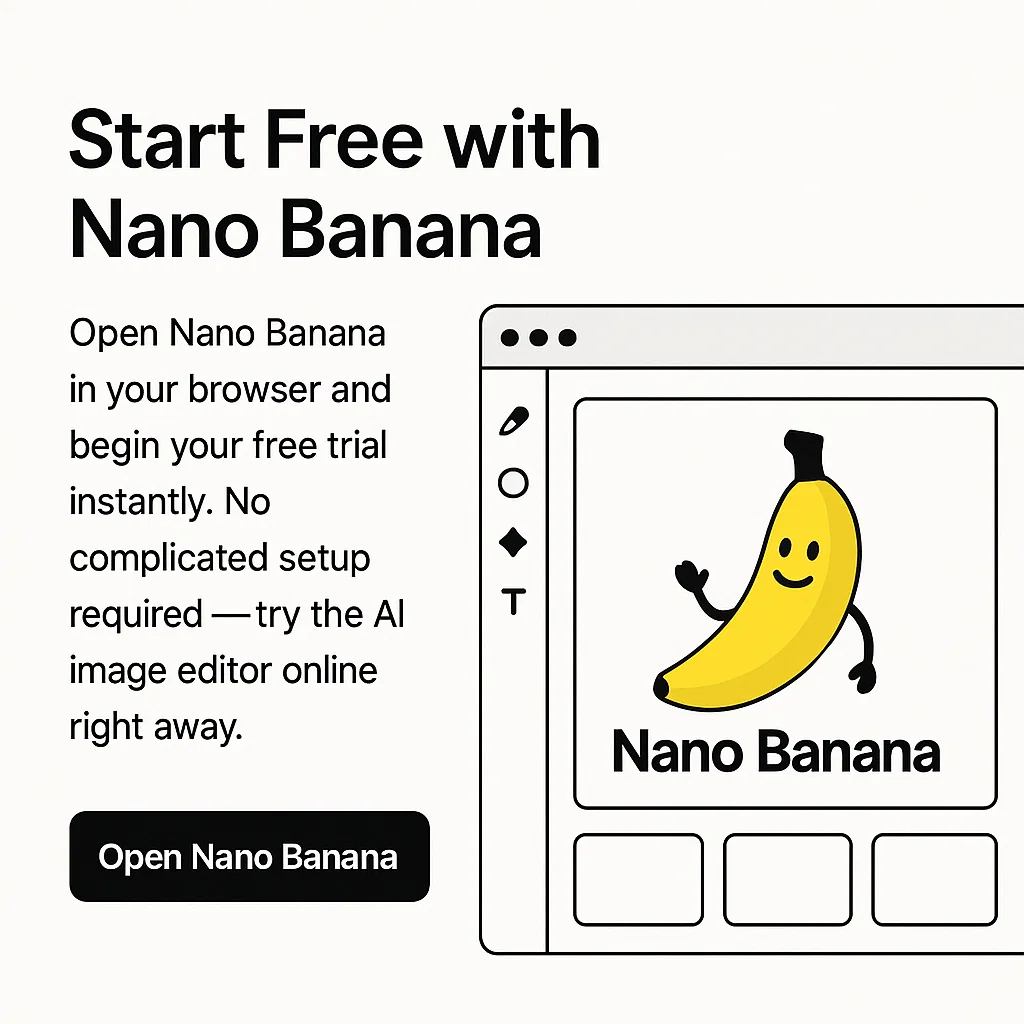
Getting started is simple: use the AI Image Editor online to generate images, edit photos with prompts, remove objects, or perform image-to-image transformations. Start with a free trial and explore powerful AI editing tools in seconds.
Key Features of Our AI Image Editor & AI Photo Editing Tool
AI Image Editor is built for fast, professional online image editing and AI image generation. Start with a free trial and upgrade for higher limits, batch processing, and advanced editing capabilities.
Advanced Image-to-Image Editing
Upload a photo and edit it with prompts: restyle images, enhance quality, remove objects, replace backgrounds, and create controlled variations.
Free Trial Access
Start with a free trial to explore AI image editing and generation features before committing to a Pro upgrade.
AI Image Generation from Prompts
Turn text prompts into high-quality visuals across multiple styles—perfect for marketing creatives, product images, and digital art.
Prompt-Based Photo Editor
Edit images using simple natural language instructions—faster and more intuitive than traditional manual editing tools.
Consistent Characters & Styles
Maintain character consistency and visual style across multiple image generations—ideal for branding, storytelling, and manga projects.
AI Image Editor Pro Upgrade
Upgrade to Pro for more credits, higher usage limits, batch processing capabilities, and advanced AI editing workflows.
Why Creators Choose AI Image Editor
Join thousands of creators, marketers, and businesses using AI Image Editor for professional AI image editing and image generation online.
Trusted by
50K+
Active AI Image Editor Users Worldwide
Images Created
1M+
Generated & Edited with AI Image Editor
Free Access
100%
Start Free — Upgrade Anytime
What Creators Say About AI Image Editor
Real feedback from designers, marketers, developers, and founders using AI Image Editor for faster image editing and AI image generation.
Emily Roberts
Freelance Designer
AI Image Editor dramatically sped up my workflow. Prompt-based image editing lets me refine visuals in minutes instead of hours. I started with the free trial and upgraded for higher usage limits.
Daniel Lee
Founder of PixelForge Studio
We use AI Image Editor for consistent character design and fast image-to-image editing. It's essential for concept art and client previews.
Sophia Martinez
Marketing Manager
AI Image Editor helps our team generate high-converting ad creatives and branded visuals in minutes. It's now part of our weekly marketing workflow.
Liam Anderson
Indie Game Developer
Character consistency across scenes is impressive. AI Image Editor makes it easy to iterate environments and storyboards with precise prompt control.
Chloe Nguyen
Content Creator
Simple prompts, professional-quality results. I use AI Image Editor to create visuals for blogs, YouTube thumbnails, and social posts quickly.
Oliver Davis
Startup Founder
AI Image Editor helped us create product mockups and promotional visuals without hiring a full design team. Perfect for early-stage startups and MVP launches.
Frequently Asked Questions About AI Image Editor
Everything you need to know about AI Image Editor free trial access, Pro plans, image-to-image editing, AI image generation, and commercial usage.
What is AI Image Editor and what can it do?
AI Image Editor is a browser-based AI image editor and AI image generator. It allows you to generate images from text prompts, perform image-to-image editing, enhance photos, change backgrounds, and create consistent visual variations quickly.
Is AI Image Editor free to use? Do I need to sign up?
AI Image Editor offers free trial access so you can test image editing and generation features. Higher usage limits and advanced workflows are available through AI Image Editor Pro.
What is AI Image Editor Pro?
AI Image Editor Pro is a premium subscription plan designed for professionals, teams, and businesses. It includes higher generation limits, priority processing, and advanced image editing capabilities.
Can I use AI Image Editor images commercially?
Commercial usage is generally allowed depending on your subscription plan and our terms of service. Please review the official terms for detailed licensing information.
How do I get better results with prompts?
For best results, include subject details, style references, lighting, camera angle, composition, and specific changes you want. For image-to-image editing, clearly describe what to modify while preserving key elements.
Does AI Image Editor support image-to-image editing?
Yes. You can upload an existing image and apply prompt-based edits to restyle, enhance, adjust backgrounds, or create controlled variations while maintaining visual consistency.
Start Your Free AI Image Editor Trial Today
Try AI Image Editor online in your browser. Experience professional AI image editing and image generation — upgrade to Pro anytime for higher limits and advanced features.